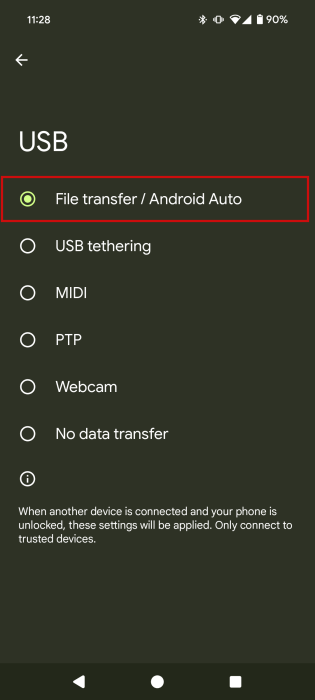
If your Android device is not giving you the prompt to switch the USB from charging to transferring, enabling Developer Mode may fix your problem.
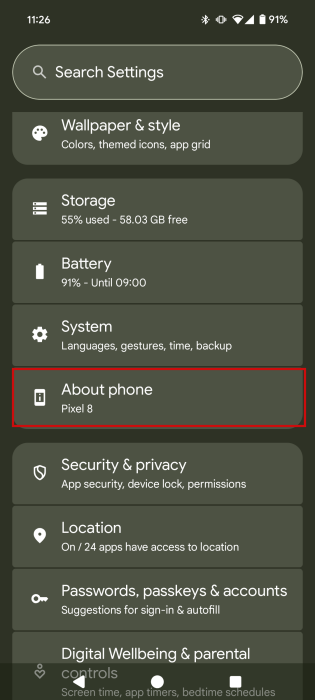
If you want to enable Developer Mode, open your Android phone’s Settings app and navigate to About phone.
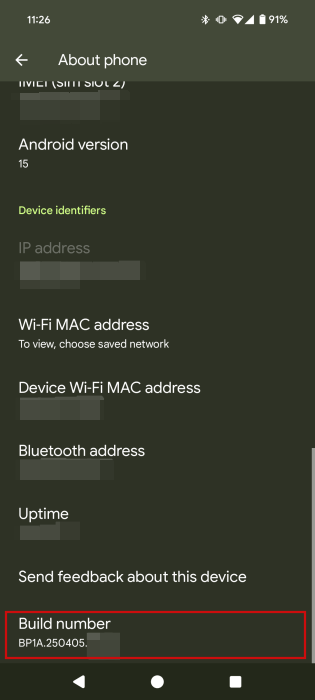
Swipe down until you find Build number, and tap on the option for a total of seven times.
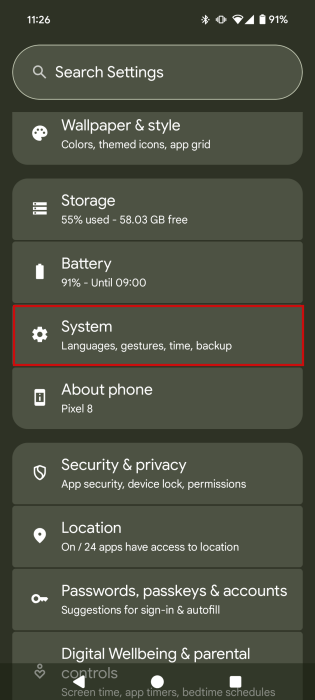
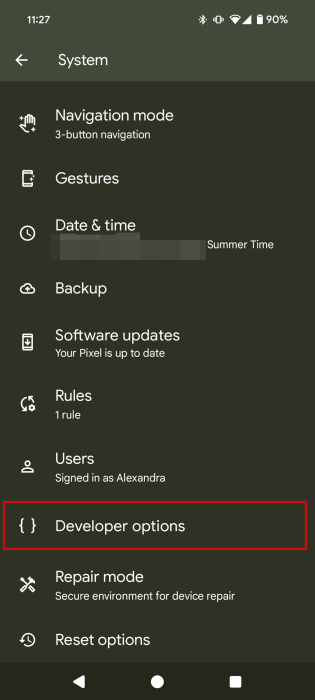
When you see a toast notification alerting you that you’re a developer, go back to the Settings app’s main screen, and tap on System.
Swipe down and tap on Developer options.
Use the search function in the top right to search for Default USB.
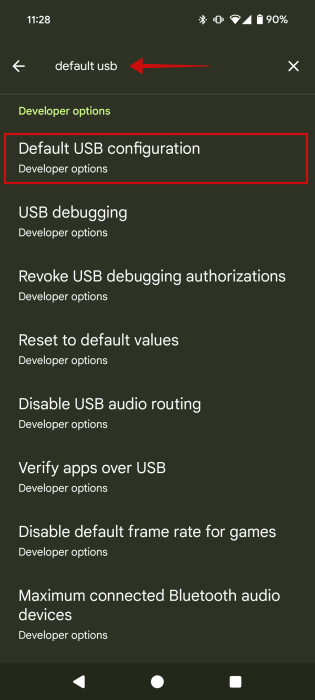
When you are taken to the Default USB configuration option, tap on it.
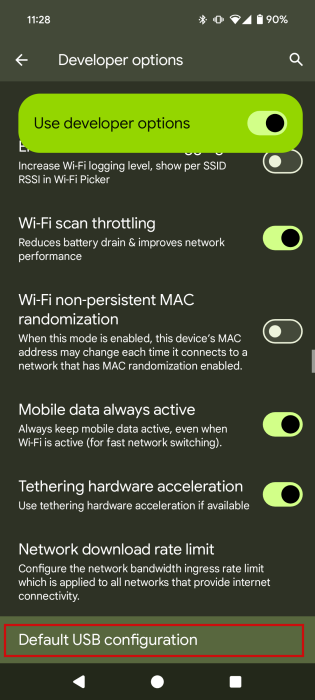
You can switch to USB File transfer on the next screen, even without the notification.